Typhon for Graceland NP practicums
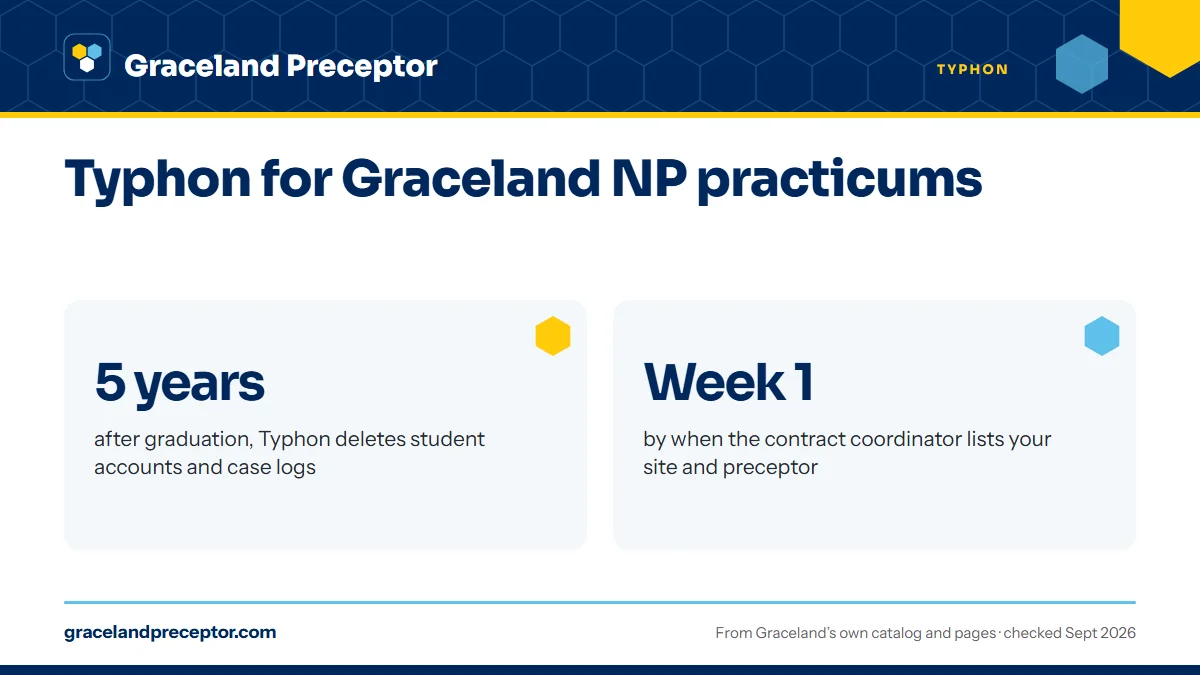
Typhon is the online database Graceland University uses for graduate practicums. The contract coordinator lists your approved site and preceptor there, you keep your case logs there, and your preceptor completes your evaluations there. Time logs go to Canvas instead, and Typhon deletes student accounts, case logs included, five years after graduation.
Get your placement plan
Tell us your Graceland program and where you live. A placement advisor replies with the preceptor and site options that fit your course.
What Typhon does in a Graceland practicum
The handbook rarely names the product. It speaks of the "school-selected online electronic database" and adds, in brackets, that Graceland currently uses Typhon. The rules are written around the database's role, so they would carry over if Graceland ever changed vendors. For now, Typhon does four jobs:
- It lists the approved site and preceptor for each of your practicum courses.
- It holds your case logs, and the validation of those logs is recorded there.
- It is where each preceptor completes your midterm and final evaluations.
- It keeps contact details for preceptors and practicum sites Graceland has already approved.
Typhon is only one of the systems a practicum touches. Castle Branch holds your clearance documents, and Canvas holds your courses and time logs; the student systems page maps the rest.
How your site and preceptor get into Typhon
Students do not add their own preceptors. Once Appendix A, Appendix B, the affiliation agreement and your Castle Branch file are all approved, the contract coordinator sends one approval email for each preceptor and site, then places your name, your preceptor's name and your site's name in Typhon by the first week of the term or earlier.
That listing is one of the seven conditions on page 64 of the handbook. Your site and preceptor must be listed in the school-selected database before any hours count, alongside the approval email, a processed enrollment and current Castle Branch documents. The whole list is on the approval email page.
If the first week of term arrives and your listing is missing, email the contract coordinators at soncontracts@graceland.edu that day rather than recording hours against a site that is not there. The same applies if a listing shows the wrong preceptor or the wrong address.
Your preceptor's Typhon account
A preceptor's access starts with Appendix B. On that form, Graceland asks each preceptor for a unique email address that it uses to set up their Typhon access, and tells them they will use Typhon to complete one to two evaluations during the term. Ask your preceptor for an address they read themselves; a shared front-desk inbox is an easy place for an evaluation request to sit unseen.
A new Appendix B is needed every term a preceptor takes you, so check that the same email goes on each one unless your preceptor wants it changed. The evaluation only reaches the preceptor when you send the request, a step the handbook makes the student's responsibility. The Appendix B page covers everything else the preceptor fills in, and the evaluations page covers the timing.
Case logs, time logs and evaluations: where each goes
Not every practicum record lives in Typhon. Here is where Graceland's handbook sends each one:
| Record | Where it goes | Who acts on it |
|---|---|---|
| Case logs | Typhon | You record them; their validation is recorded in Typhon |
| Time logs | The Assignment Folder in your Canvas course | Your preceptor validates them at regular intervals |
| Midterm and final evaluations | Typhon | Each preceptor completes them when you send the request |
| Site and preceptor listing | Typhon | The contract coordinator adds it by the first week of term |
| Approval emails | Your Sting email account | You show them to instructors on the first day of class |
It is easy to assume that every record goes into Typhon, but Graceland turns time logs in to the Assignment Folder in the online course platform, which is Canvas. Keep the two in step: the hours in your time log and the encounters in your case logs describe the same clinic days. Case logs also show your progress toward Graceland's patient targets, such as the FNP rule that patients seen must equal hours; what counts as practicum hours sets those out.
Using Typhon's list of approved preceptors
Graceland tells students they may use current preceptors and agencies in their local area or submit new ones for review, and that contact information for currently approved preceptors and practicum sites is available in the school-selected online database. For a student starting a search, that is a head start: clinicians Graceland has already approved, at sites that may already have an affiliation agreement on file.
Two cautions keep it in proportion. A name on the list is a lead, not a yes; each preceptor decides term by term, and a new Appendix B is needed every term they take a student. And an agreement with one clinic does not mean Graceland has one with every clinic or address in the same network, so a new address still needs its own Appendix A. The finding your own preceptor page covers the rest of the search.
Save your records before the account is deleted
The handbook is explicit: five years after graduation, student accounts are permanently deleted by the software company, case logs included. Once deleted, they are gone for good.
Save what you might need while the account is active. Case logs record the patients, settings and procedures behind your clinical training, and you may want them later for a job application, an employer's credentialing file or a question from a board. Keep copies with your approval emails and final evaluations somewhere that does not depend on a Graceland account.
Typhon deletes student accounts and case logs five years after graduation. Save copies of what you want to keep while you still have access.
Why Graceland students choose us
Every preceptor we arrange for a Graceland student is briefed on the Graceland side before the term begins: the Appendix B form, the unique email that sets up Typhon access, and the midterm and final evaluations the student will send. A preceptor who knows what is coming is ready when your evaluation requests arrive, and knows the email on their Appendix B is the one that matters.
We aim each practicum package at Graceland's June 15, October 15 or February 15 deadline, so the contract coordinator has what they need to list your site and preceptor by the first week of term. Tell us your track and term through the form below to begin.
Questions Graceland students ask
Who adds my preceptor to Typhon at Graceland?
The contract coordinator. After your paperwork is approved and the approval email goes out, the coordinator places your name, your preceptor's name and your site's name in Typhon by the first week of the term or earlier. Students do not add preceptors themselves, and hours count only once the listing is in place.
Do Graceland time logs go in Typhon?
Graceland's handbook says time logs are turned in to the Assignment Folder in the online course platform, which is Canvas, and preceptors validate them at regular intervals. Typhon holds your case logs, your site and preceptor listing and your preceptors' midterm and final evaluations. Your course syllabus gives the exact submission schedule.
What email should my preceptor use for Typhon?
Appendix B asks for a unique email address that Graceland uses to set up the preceptor's Typhon access. Choose one the preceptor checks personally rather than a shared office inbox, because evaluation requests arrive there when you send them. Graceland tells preceptors to expect one to two evaluations each term.
What happens to my Typhon case logs after I graduate?
Graceland's handbook says student accounts, including case logs, are permanently deleted by the software company five years after graduation. Save copies of your case logs, final evaluations and approval emails before then if you might need them for a job, a credentialing file or a board's request.
Can I find approved Graceland preceptors in Typhon?
Graceland's handbook says contact information for currently approved preceptors and practicum sites is available in the school-selected online database, the same database it identifies as Typhon. You can start there, but each preceptor still has to agree to take you for that term and complete a new Appendix B.
Related pages
Last checked 2026-09-25
We check these pages against Graceland's own catalog, program pages and Graduate Student Handbook. Your handbook, your track coordinator and the contract coordinators have the final word.
Graceland's practicums are arranged by you, with Graceland's help. We do the searching.
Tell us your Graceland track, your city and your next practicum. We find preceptors who fit the course, line up what Appendix A and Appendix B ask for, and aim everything at Graceland's paperwork deadline for your term.
- Preceptors matched to the course: primary care for FNP, hospital and ICU clinicians for AGACNP, psychiatrists and PMHNPs for PMHNP
- Site address, contract contact and preceptor details ready before the June 15, October 15 or February 15 deadline
- Close to home in your approved state, with a second preceptor planned for Graceland's two-preceptor rule
Start your placement plan
Track, city and practicum start is all we need to begin.